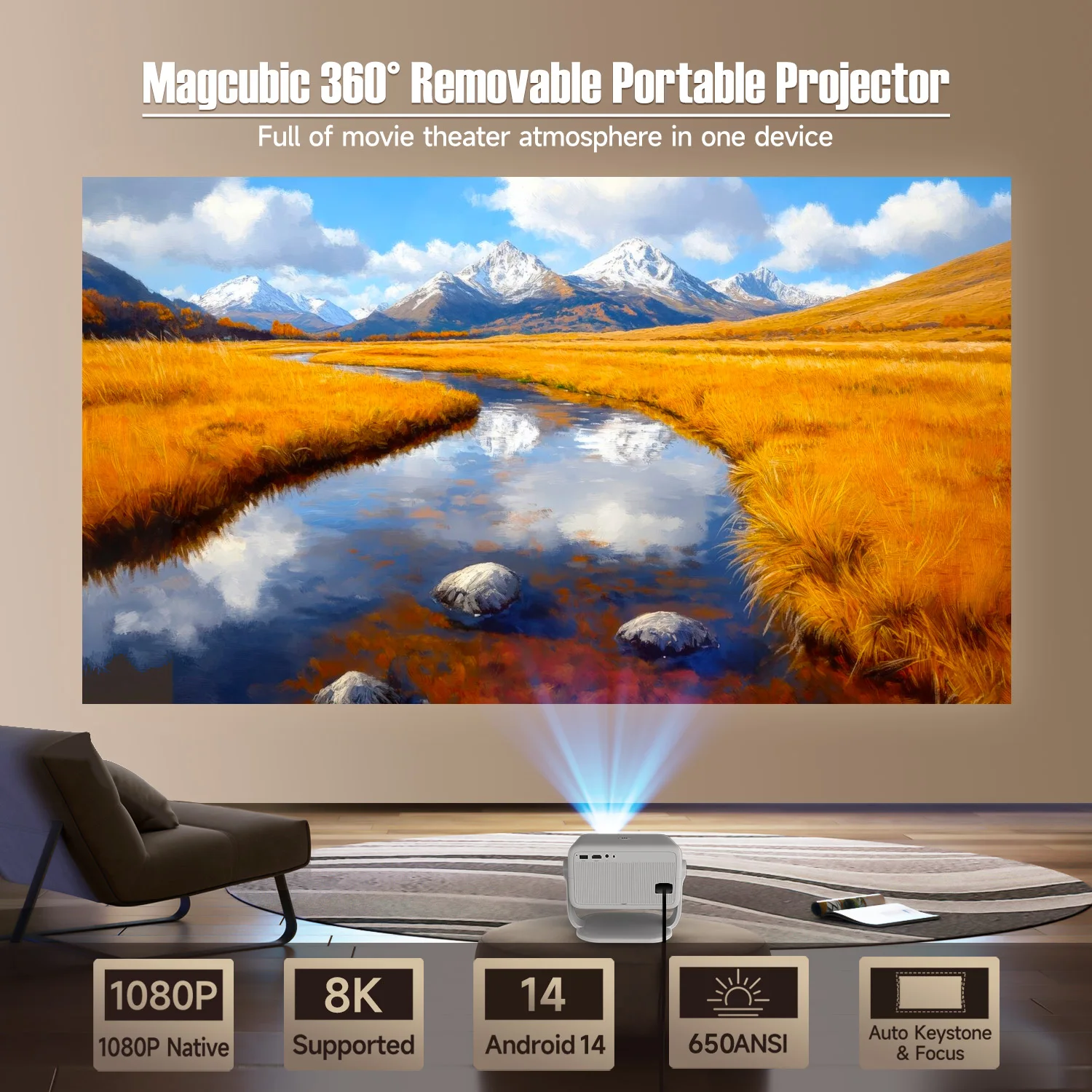
Magcubic Native 1080P (650 ANSI lumens, 8K support) 360° Rotating Projector


Magcubic Native 1080P (650 ANSI lumens, 8K support) 360° Rotating Projector
🔥🔥 360° Flexible Projection
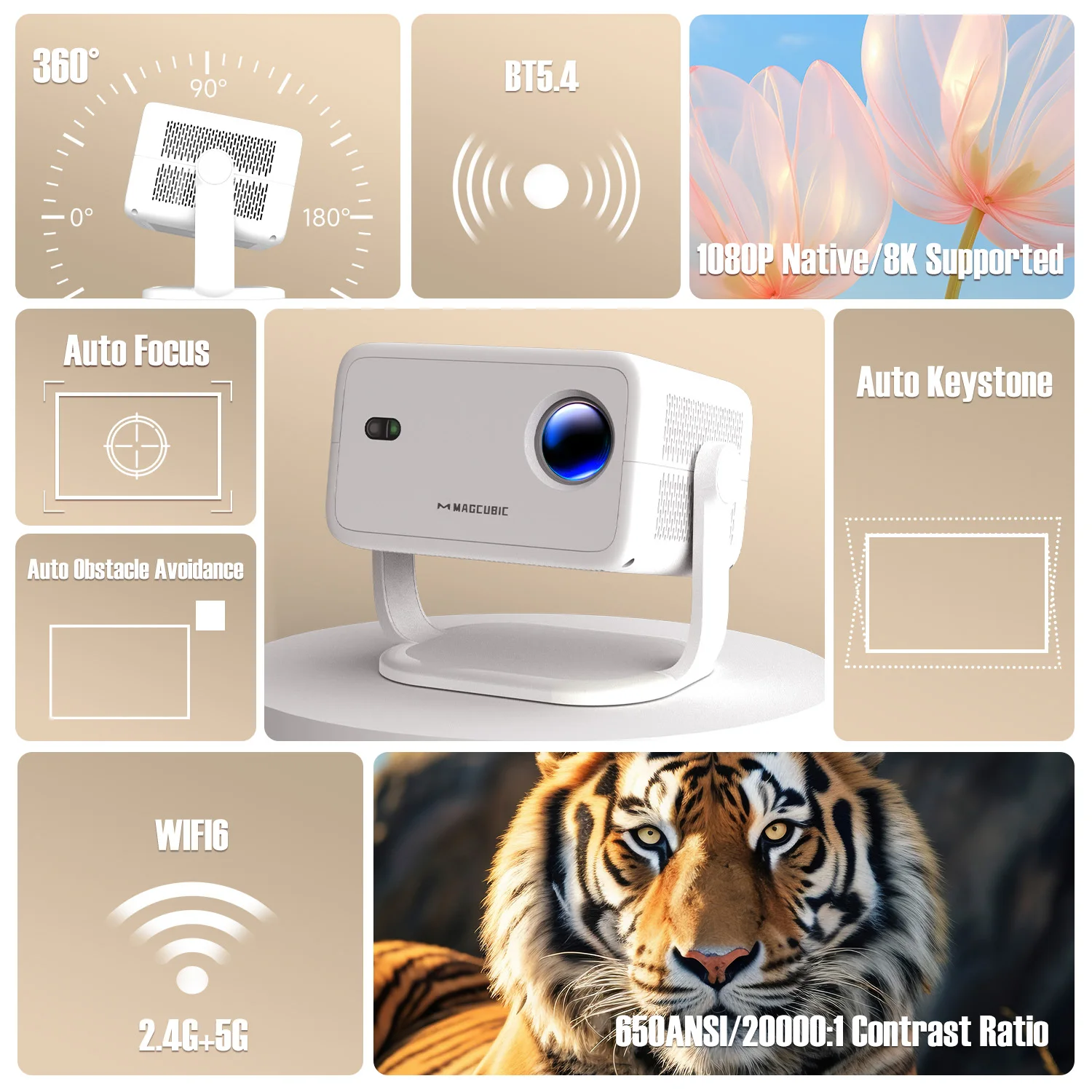
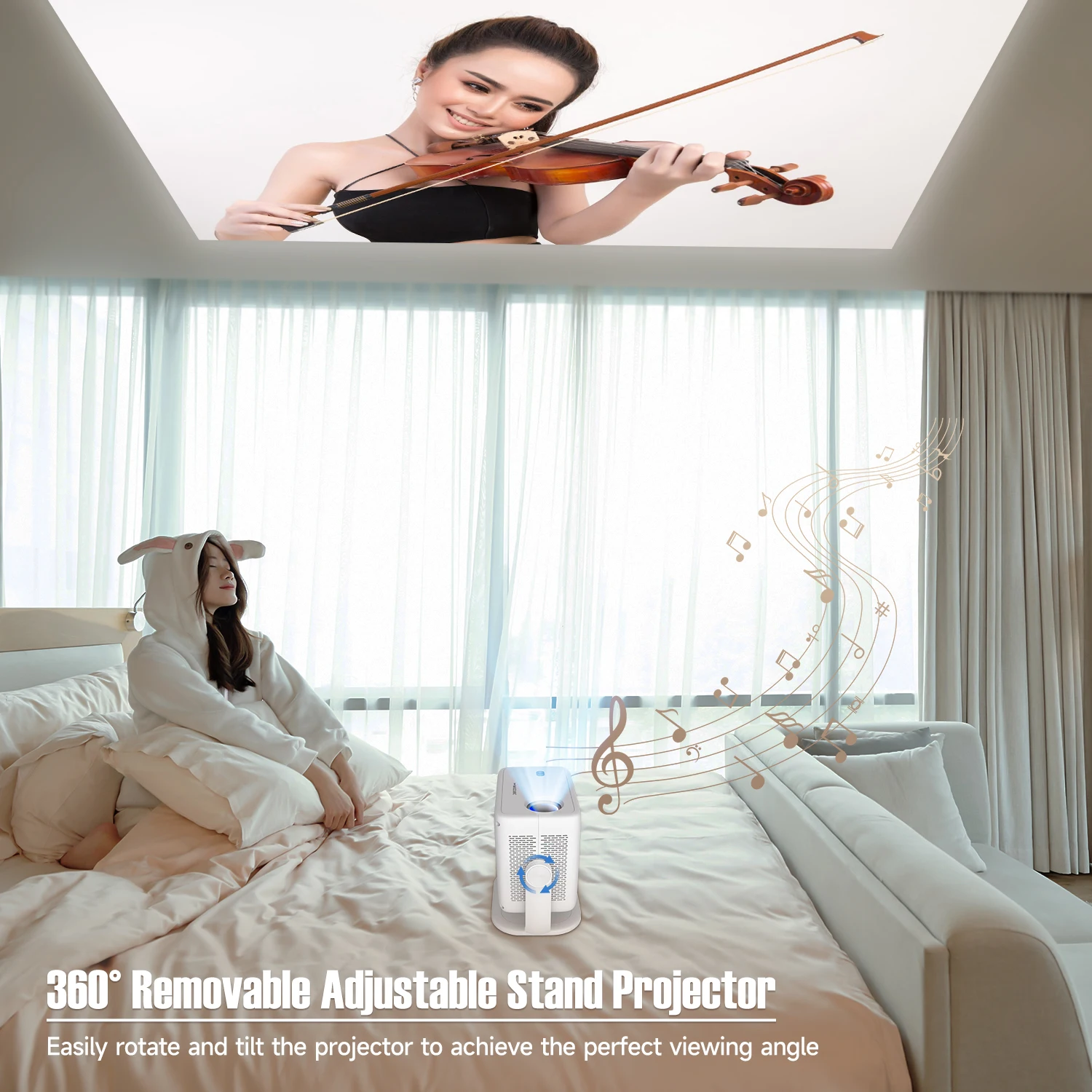
Discover boundless possibilities with a 360° rotatable design, allowing seamless placement and projection from any angle. Whether it's a wall, ceiling, or any unconventional surface, this projector adapts effortlessly to every situation.
🔥🔥 Crystal-Clear Visuals & Vibrant Brightness
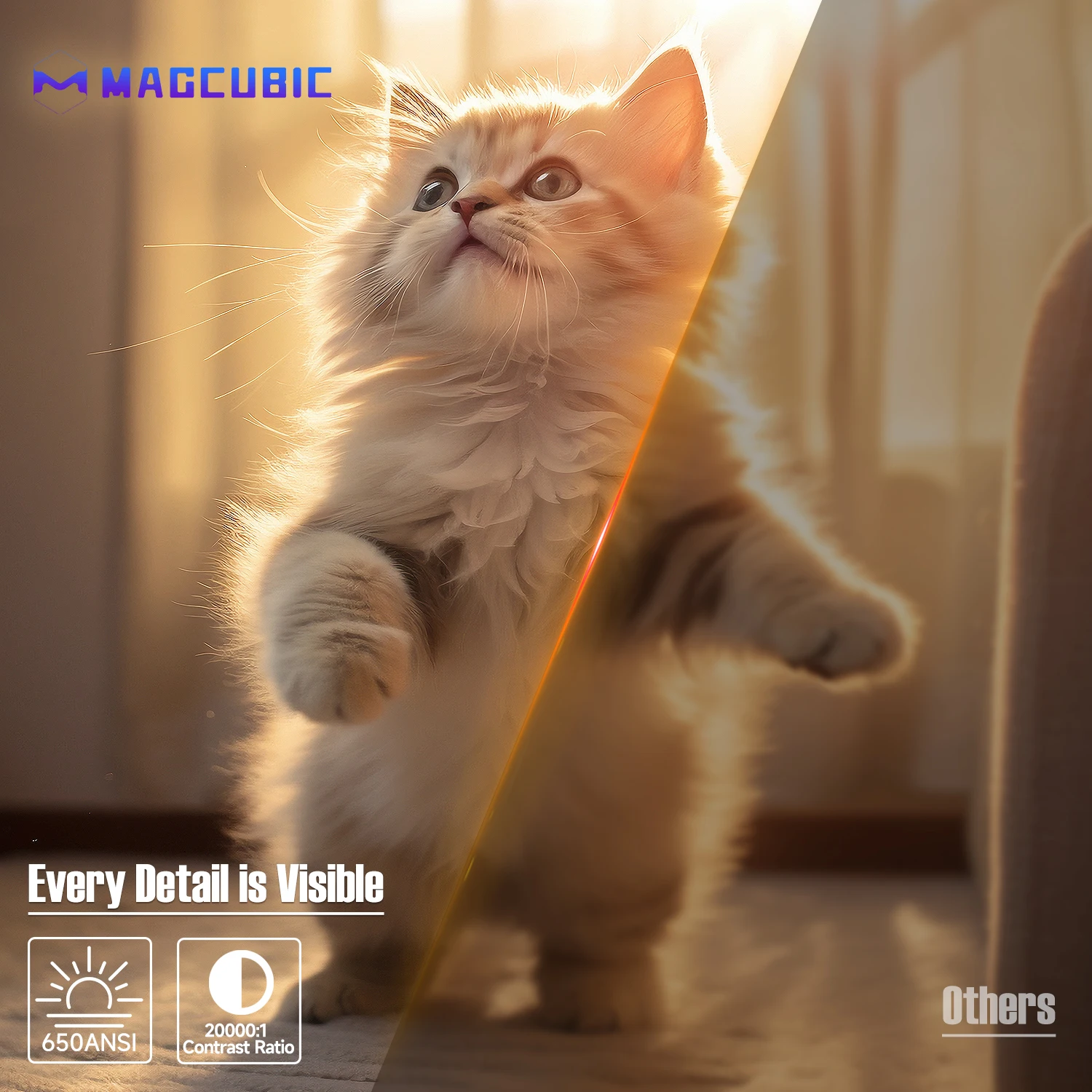
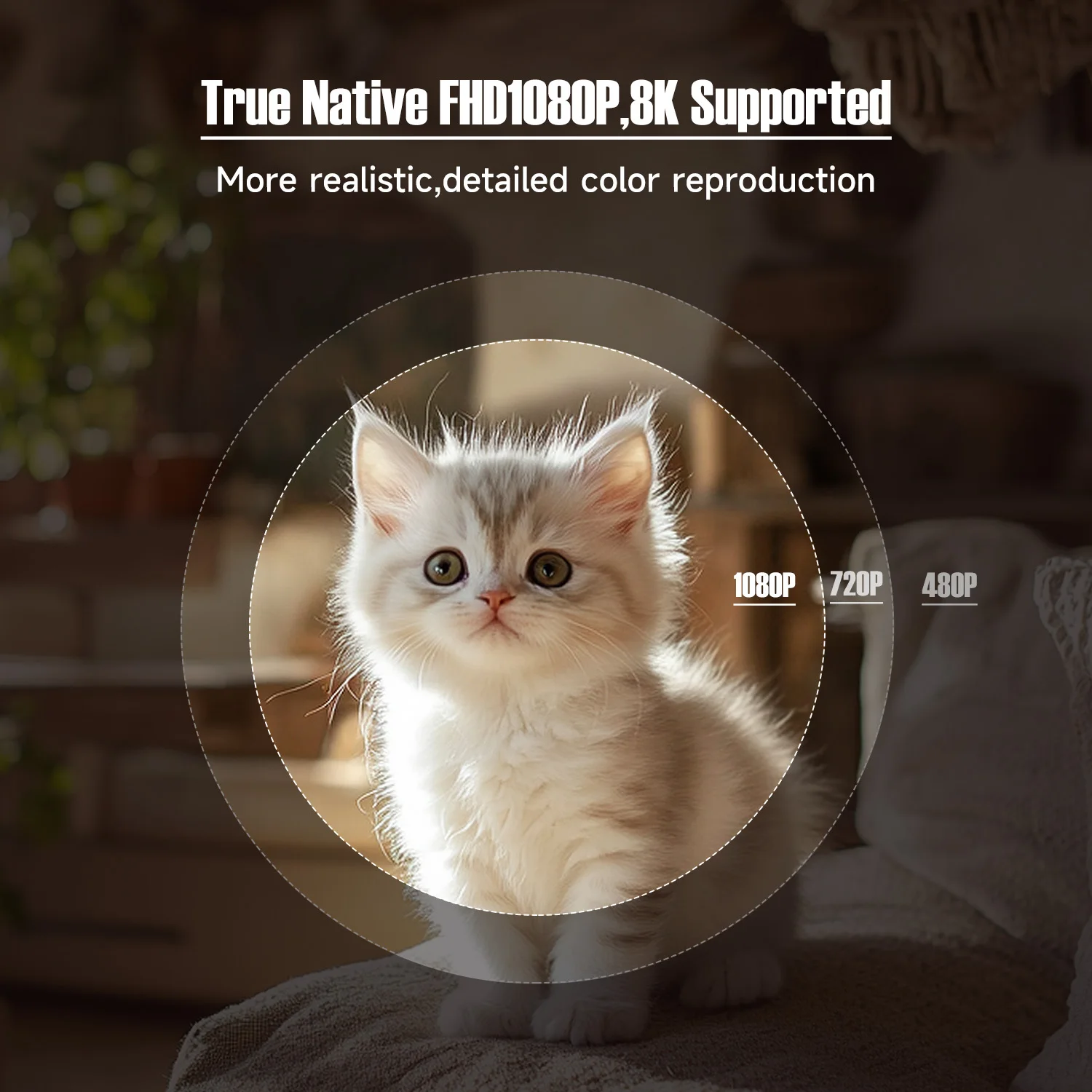
Enjoy stunning image quality thanks to 8K decoding and native 1080P resolution, complemented by 650 ANSI lumens of brightness. Even in brighter rooms, every detail appears with incredible clarity and vivid colors.
🔥🔥 Advanced Auto Adjustment Features
Say goodbye to manual fuss! With advanced autofocus, auto keystone correction, and obstacle avoidance functions, the projector delivers a perfectly adjusted, distortion-free image in seconds.
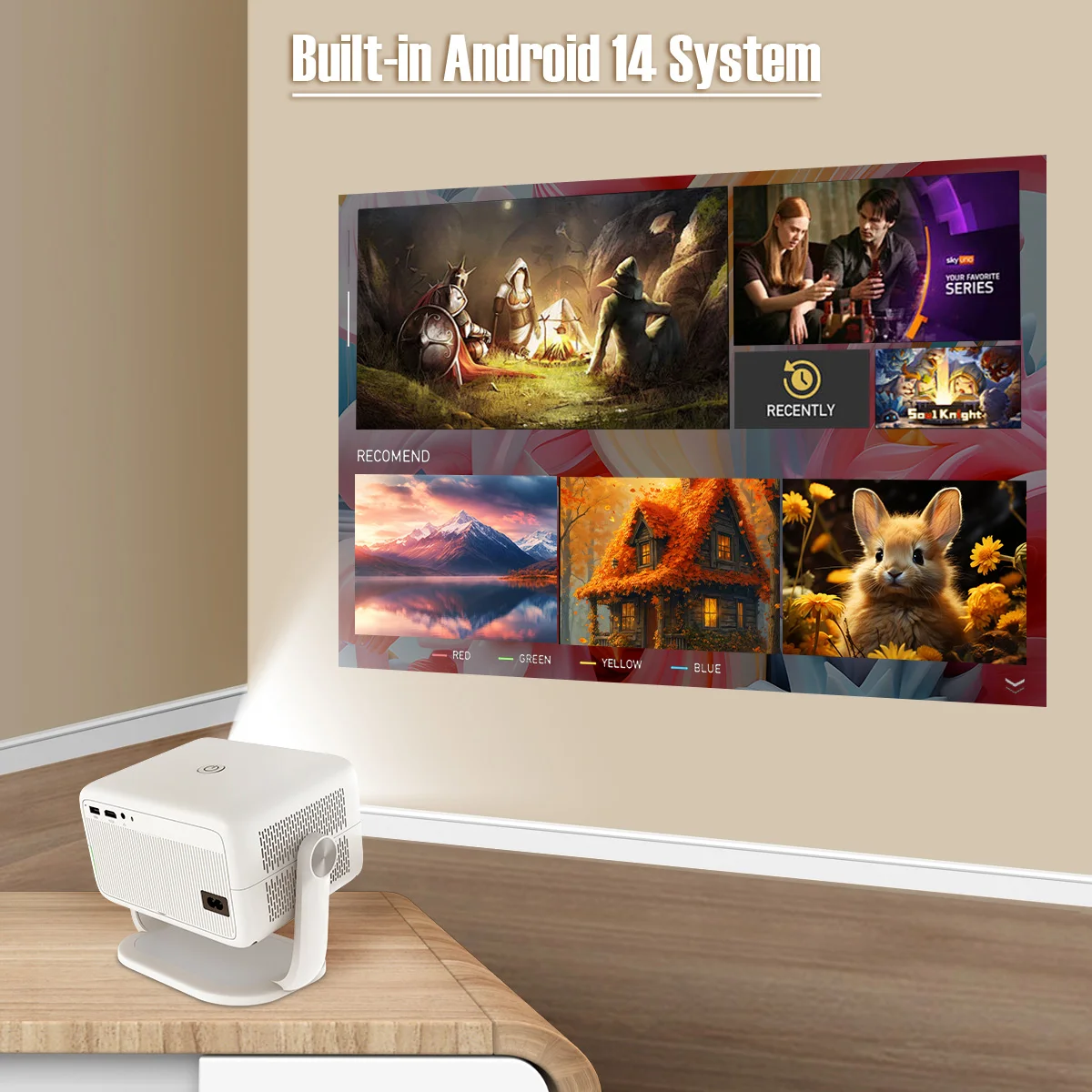
🔥🔥 Powerful Android 14 & Customizable Modes
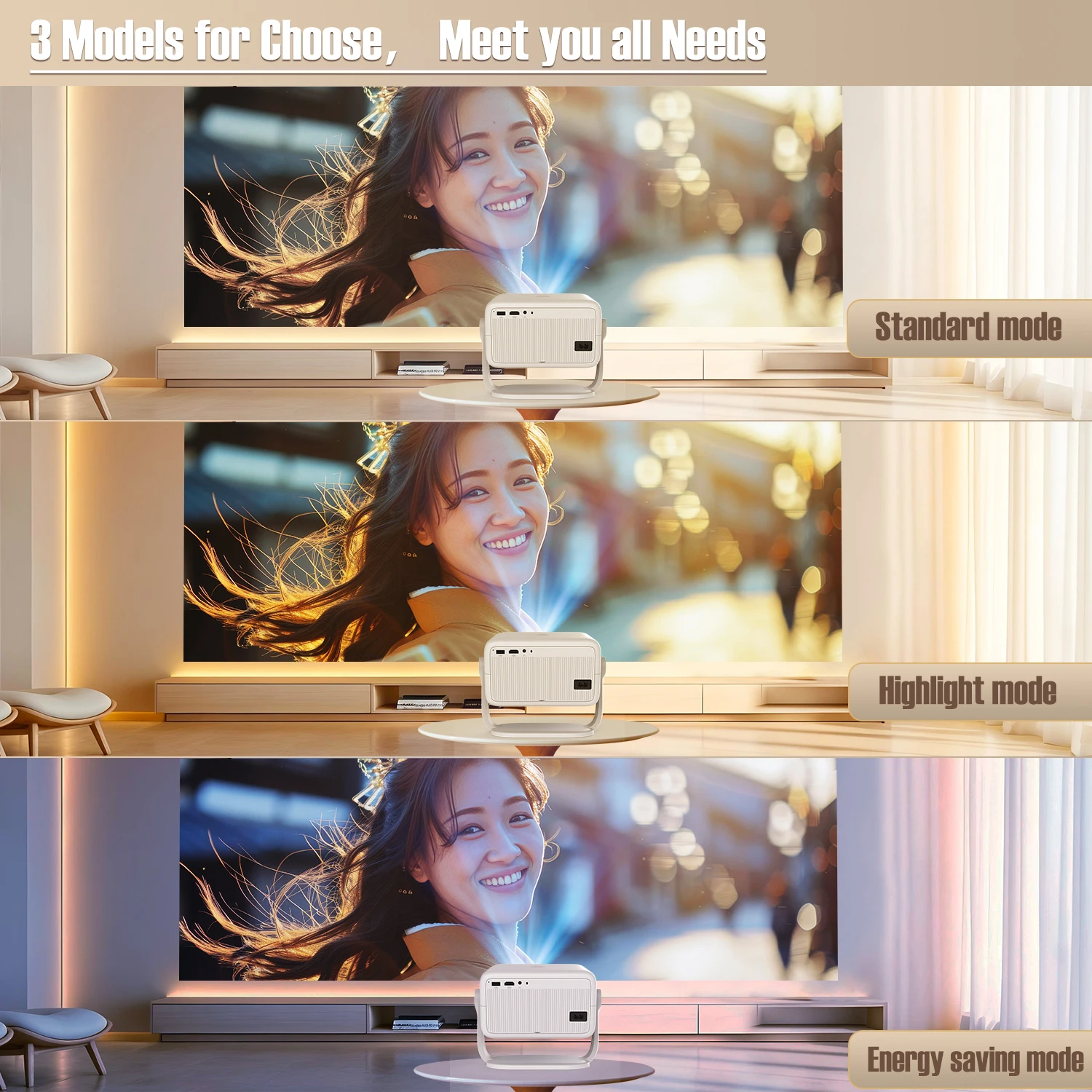
Access a wide range of apps and streaming platforms with the latest Android 14 system. Choose from three projection modes (High Brightness, Standard, and Eco) to tailor the visuals to your needs and energy efficiency requirements.
🔥🔥 Immersive Sound & Seamless Connectivity
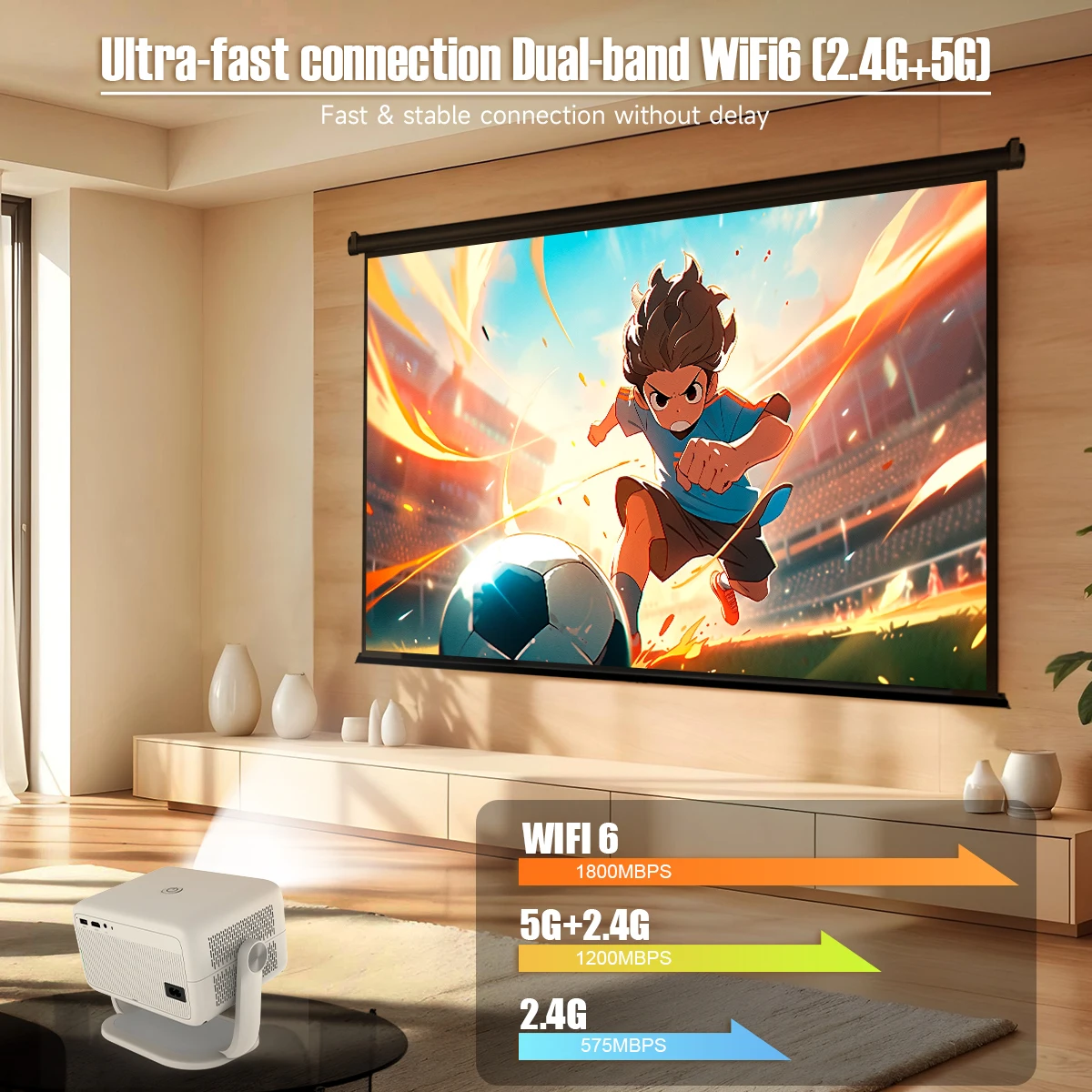
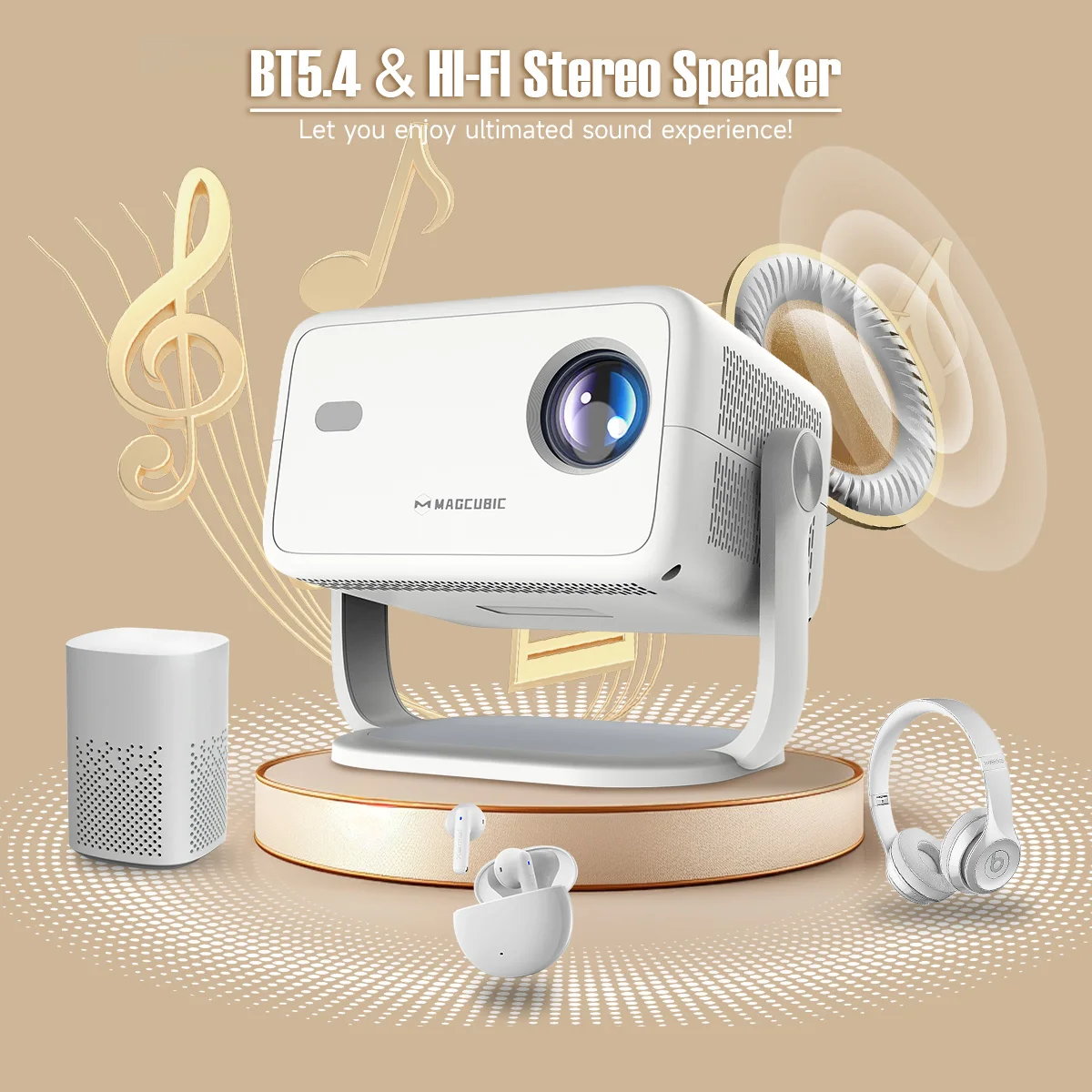
Equipped with BT 5.4 and WiFi 6, this device ensures faster and more stable connections. Premium built-in speakers deliver rich audio, providing a complete cinema experience without external speakers.
Key Features:
-
360° Adjustable Stand: Easily rotate and tilt for the perfect angle.
-
Auto Keystone and Focus: Pin-sharp image in just 2 seconds.
-
Spectacular Details: 650 ANSI lumens brightness and 20,000:1 contrast ratio.
-
True Full HD: Native 1080P resolution with 8K content support.
-
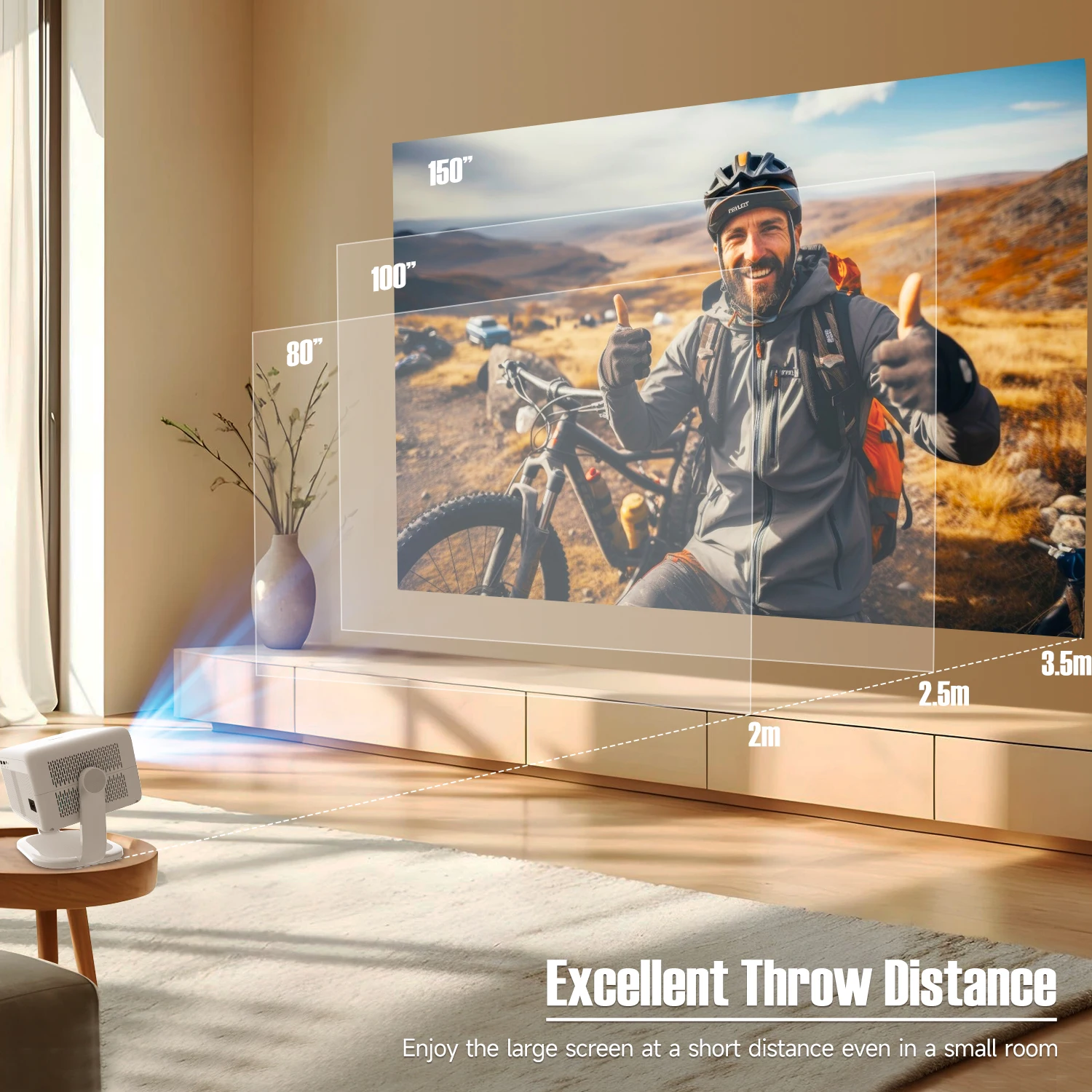
Excellent Projection Distance: Large image from a short distance (1.2:1 throw ratio).
-
Ultra-fast WiFi 6: Dual-band (2.4G+5G) connection without lag.
-
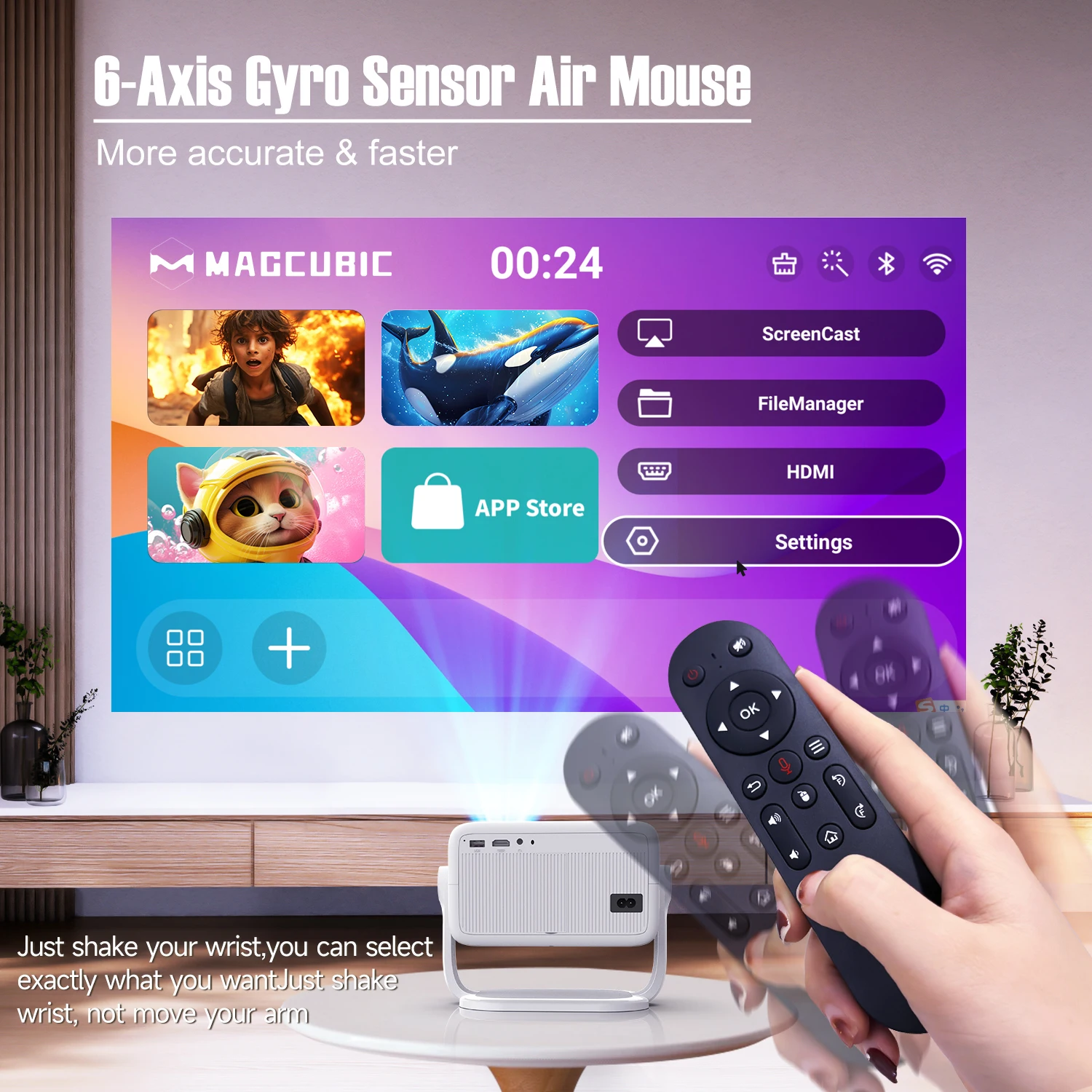
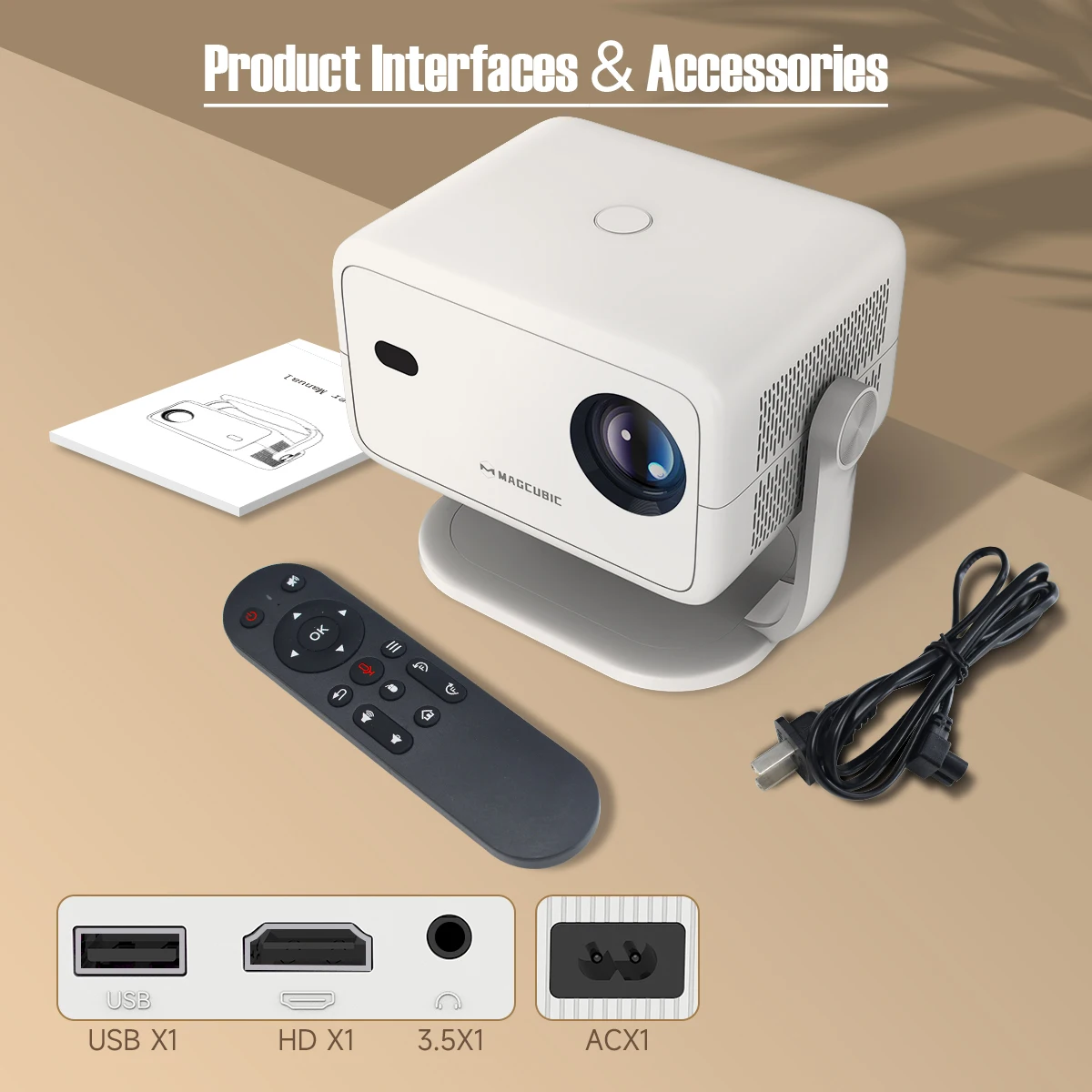
6-axis Gyro Mouse: More precise and faster navigation with the remote.
-
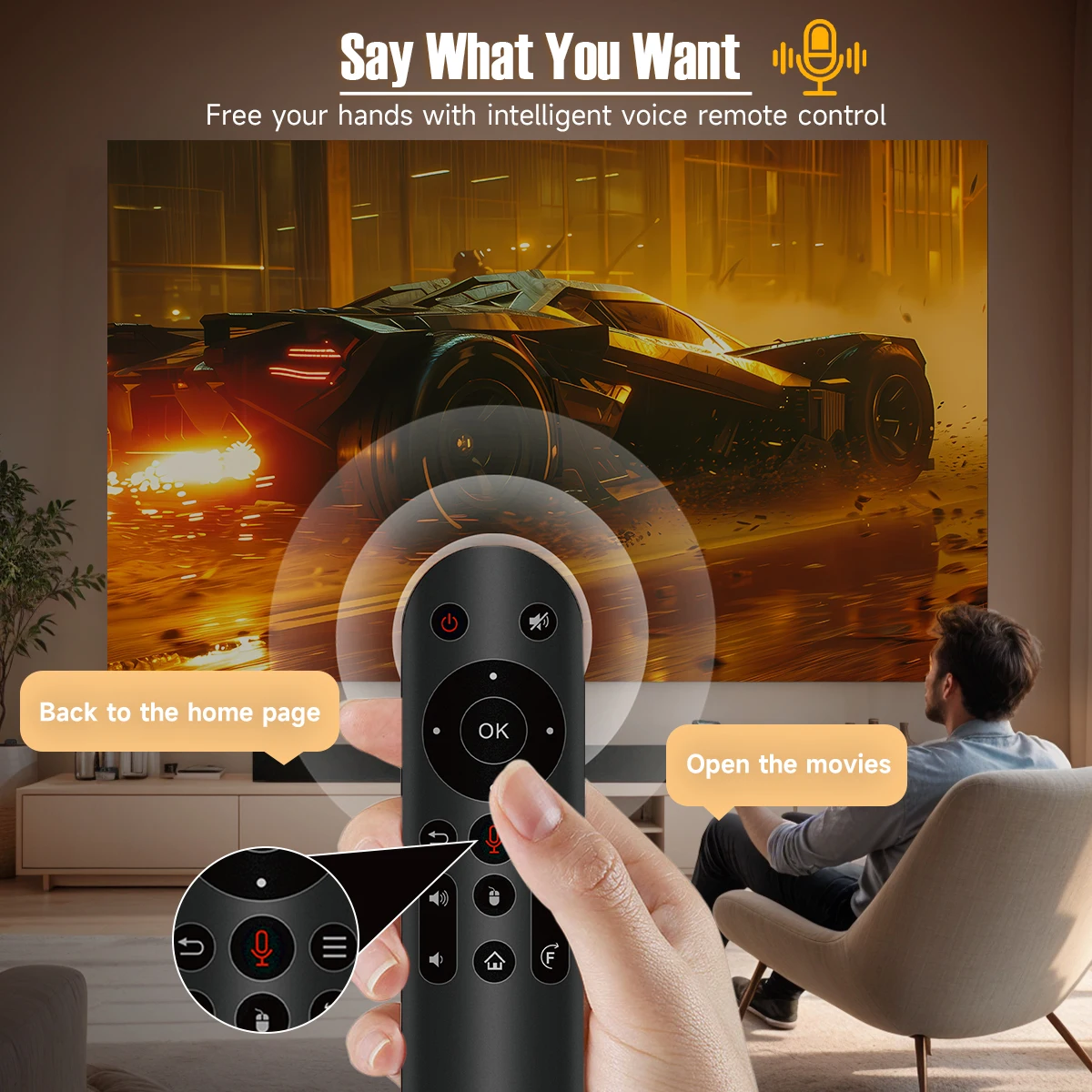
Voice Control: Control the device with smart voice remote.
-
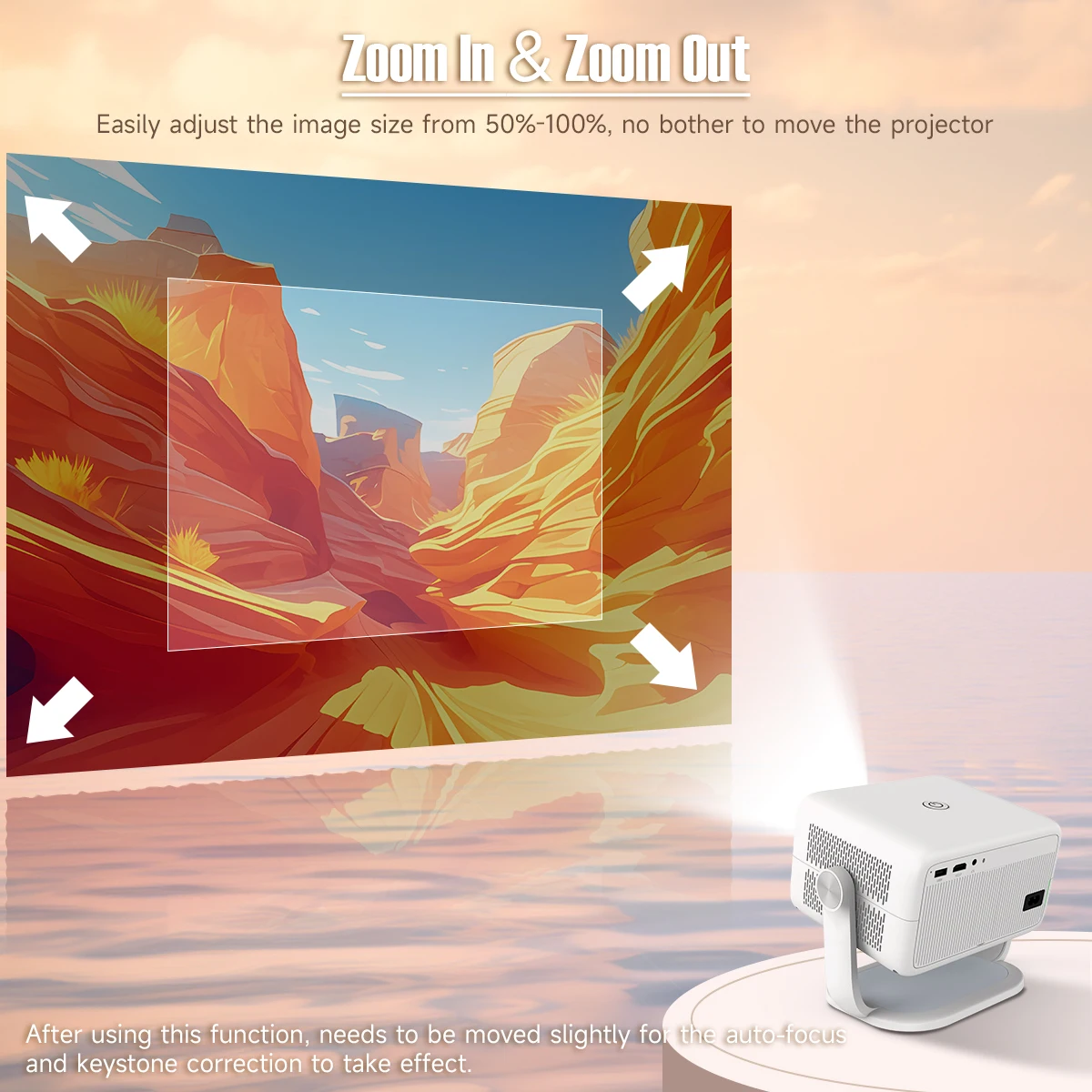
Digital Zoom: Adjust image size between 50% and 100% without moving the projector.
-
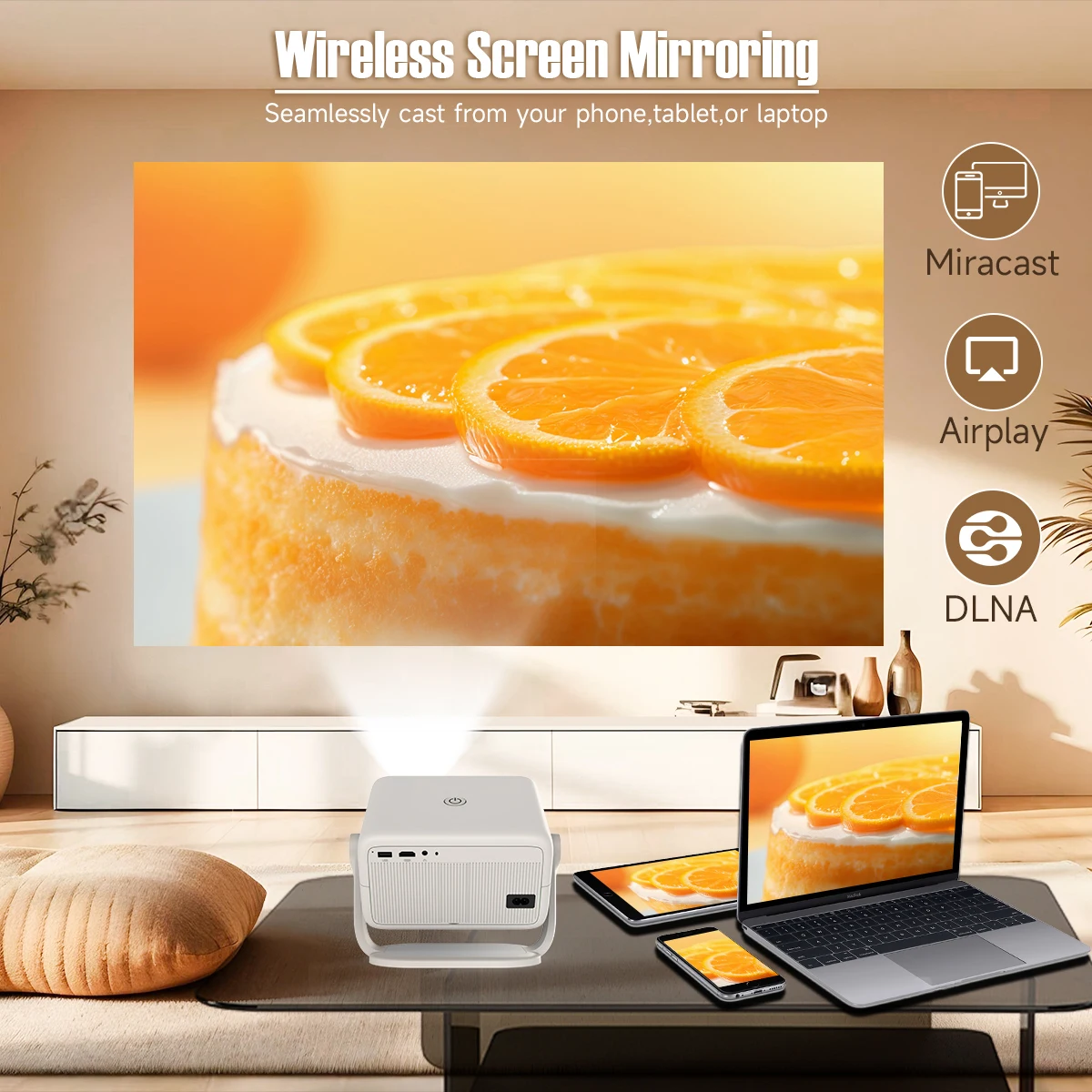
Wireless Screen Mirroring: Project directly from your phone, tablet, or laptop.
-
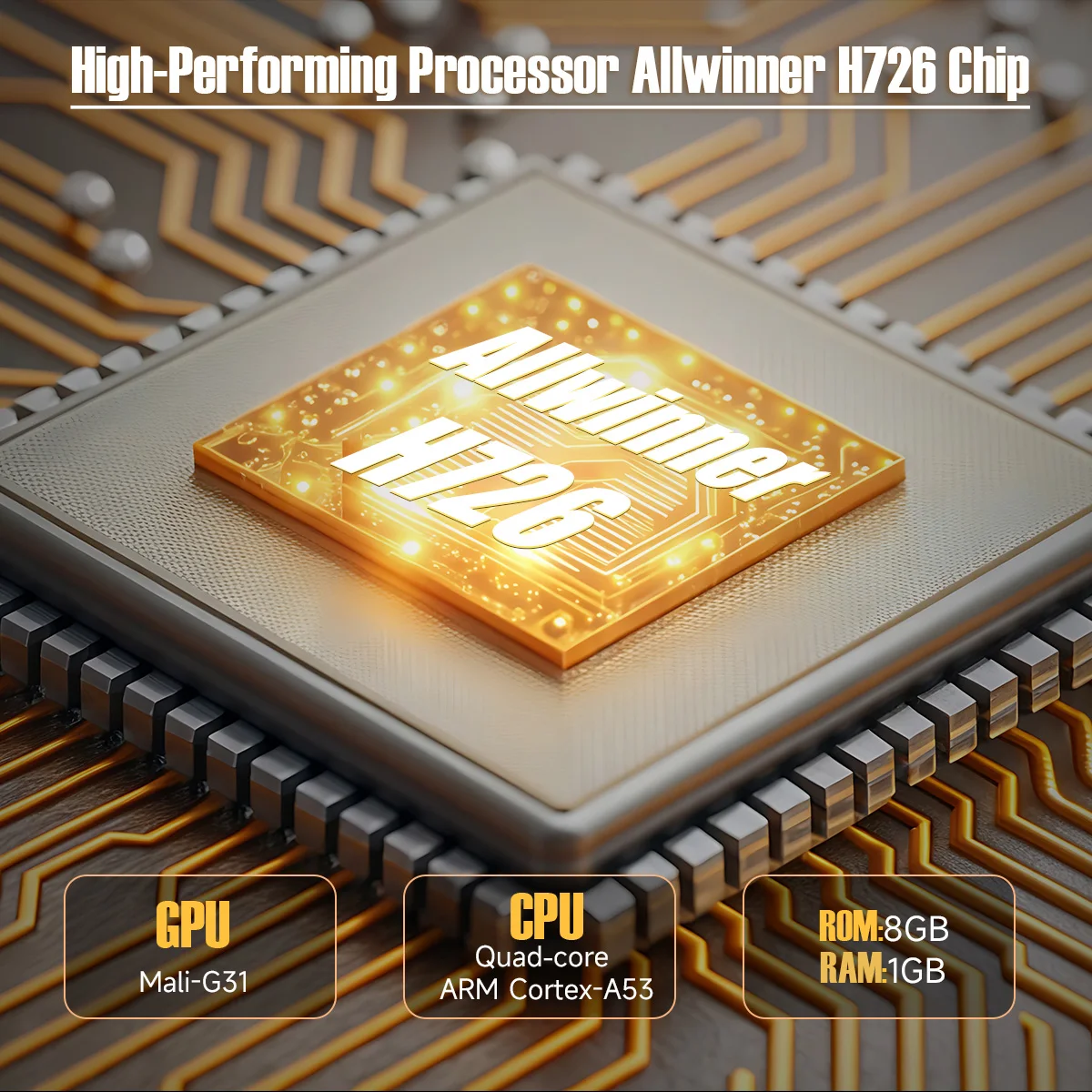
Hardware: Allwinner H726 high-performance processor.
❓ Questions and Answers (FAQ)
1. How do I update the L018 firmware?
-
Settings > About devices > Local update/Online update.
2. How do I restore factory settings?
-
Settings > Other Settings > Restore factory settings.
3. How do I use the Zoom (shrink/enlarge) function?
-
Settings > Projection settings > Digital scaling.
4. How do I manually adjust keystone correction?
-
Settings > Projection settings > Manual trapezoidal.
5. How do I activate manual focus?
-
Use the focus buttons on the remote control to achieve the best sharpness.
6. What should I do if there is no sound?
-
Check the volume with the remote control.
-
Connect an external BT speaker.
-
Switch to "speaker mode" on the projector.
-
If nothing helps, perform a factory reset.
7. What should I do if the image is crooked?
-
Update the firmware to the latest version.
-
Adjust manually: Settings > Projection settings > Manual keystone correction.
-
Try the "Reset trapezoidal correction" option in the settings.
8. Why does an application freeze?
-
Check internet connection and firmware.
-
Check time zone (Settings > Date and time).
-
Clear application cache (Apps management > App name > Clear Cache).
9. Not connecting to Wi-Fi?
-
Move the router closer (max. 5 meters).
-
Check time zone setting.
-
Try your phone's hotspot or switch between 2.4GHz / 5GHz on the router.